UPI payments at the counter: how to reconcile them without stress
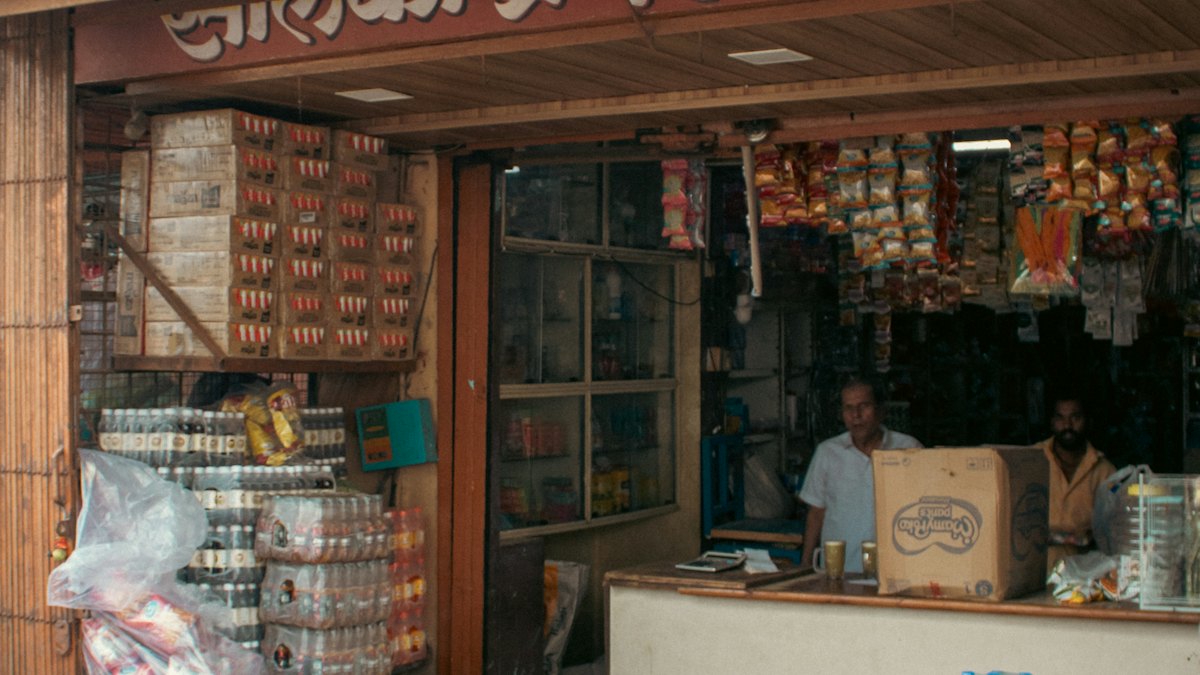
UPI changed Indian retail in a few short years. Customers expect to scan and pay, and for many shops UPI is now more than half of daily sales. But it created a new problem at closing time: does the UPI total in the bank match the UPI total in the bills? When it doesn't, finding the difference can take an hour.
Why UPI totals drift
- "Paid" bills that weren't. The customer shows a screen, the cashier is busy, the bill is saved as UPI, and the payment actually failed or is still pending.
- Wrong payment mode. Cash collected, bill marked UPI, or the other way round.
- Split payments recorded as all-cash or all-UPI.
- Payments to the wrong QR, such as the owner's personal UPI instead of the business account.
- Refunds sent by UPI but not recorded.
- Settlement timing from payment apps that settle in batches, so the bank shows one lump sum.
Step 1: confirm before you save
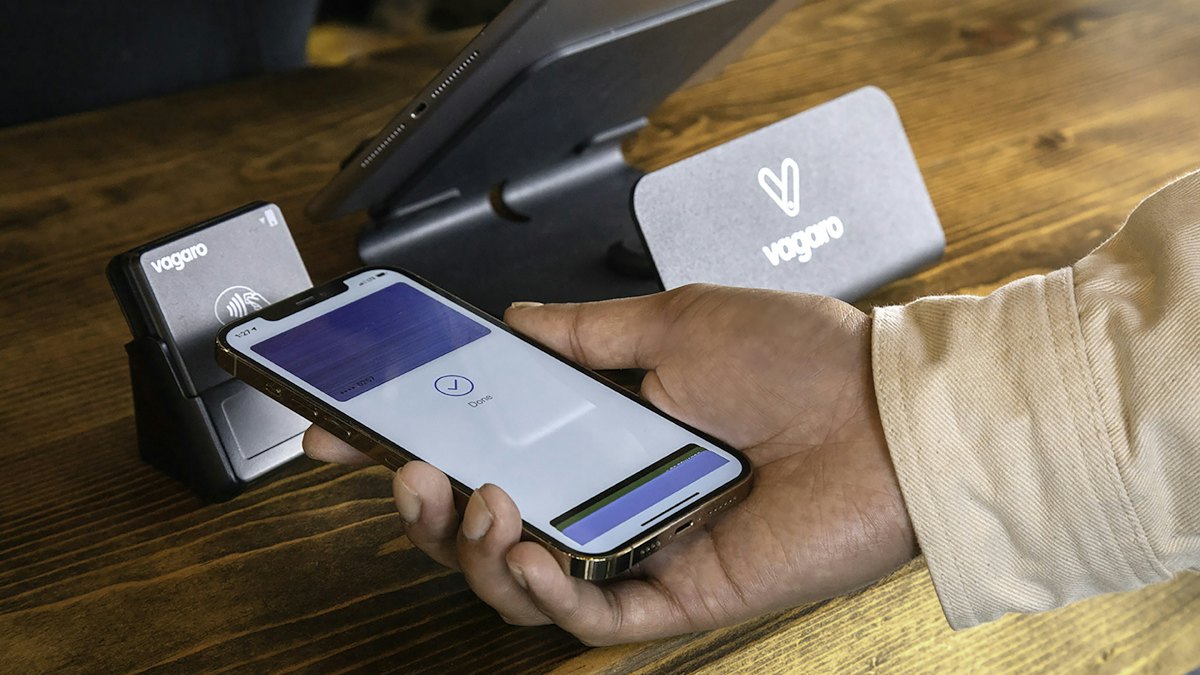
The most important fix happens at the counter. Show a QR code with the exact bill amount, and save the bill as UPI only once the cashier has seen the payment confirmed on the shop's own device or soundbox, not the customer's screen. Kashvo's POS works this way: it shows your UPI QR for the amount and saves and prints only when you confirm the money arrived.
Step 2: one business UPI ID per counter or branch
Use a business UPI ID linked to your current account, never a personal one. If you have several counters or branches, a separate ID for each makes matching much easier.
Step 3: a two-minute daily check
- From your billing software, note the total of UPI bills for the day.
- From your bank app or merchant dashboard, note the UPI credits for the same day.
- If they match, you're done. If they don't, compare transaction by transaction for the time window where they differ.
Doing this daily means any mismatch involves a handful of transactions, not a month's worth.
Step 4: record refunds and adjustments properly
When you refund by UPI, record it as a payment out against the customer or the return. Otherwise your bank shows less money than your books and you spend time looking for "missing" cash.
Step 5: monthly bank reconciliation
At month end, match your bank statement against your bank account in the books: receipts, payments, charges and interest. Your cash book and bank book should agree with reality before you file GST or close the month.
A simple closing report
| Mode | As per bills | As counted / in bank | Difference |
|---|---|---|---|
| Cash | ₹18,450 | ₹18,450 | ₹0 |
| UPI | ₹31,200 | ₹30,850 | ₹350 |
| Card | ₹6,900 | ₹6,900 | ₹0 |
A ₹350 difference found the same evening is a five-minute fix. Found a month later, it may never be found at all.
Kashvo's cash book shows cash and bank side by side, and each payment carries its mode, so the daily check takes a minute. Combine it with a weekly cash flow routine and you always know where your money is.