How to choose billing software for a small business in India

Every shop reaches the point where the bill book or the spreadsheet stops keeping up. Bills take too long, GST totals don't match at month end, and nobody is quite sure how much stock is left. That is usually when the search for billing software starts, and it quickly gets confusing: hundreds of apps, all promising to be the best.
The right choice depends less on the longest feature list and more on how your business actually runs every day. Here is the checklist we would use if we were choosing for our own shop.
1. Start with the bill, not the brochure
Write down the three or four kinds of bill you make most often. A kirana store mostly makes quick cash and UPI sales to walk-in customers. A wholesaler makes credit invoices to regular parties with different price levels. A service business bills for work, not stock. Good billing software should make your most common bill fast. Ask for a trial and time yourself making it. If it takes more clicks than writing it by hand, keep looking.
2. GST must be built in, not bolted on
For a GST-registered business, every tax invoice needs the right details: your GSTIN, the buyer's GSTIN for B2B sales, HSN or SAC codes, place of supply, and tax split correctly into CGST and SGST for sales within your state or IGST for sales to another state. The software should work this out from the party's state on its own. It should also give you summaries that line up with GSTR-1 and GSTR-3B, so filing is copying numbers, not rebuilding them.
3. Check the counter: POS speed and printing
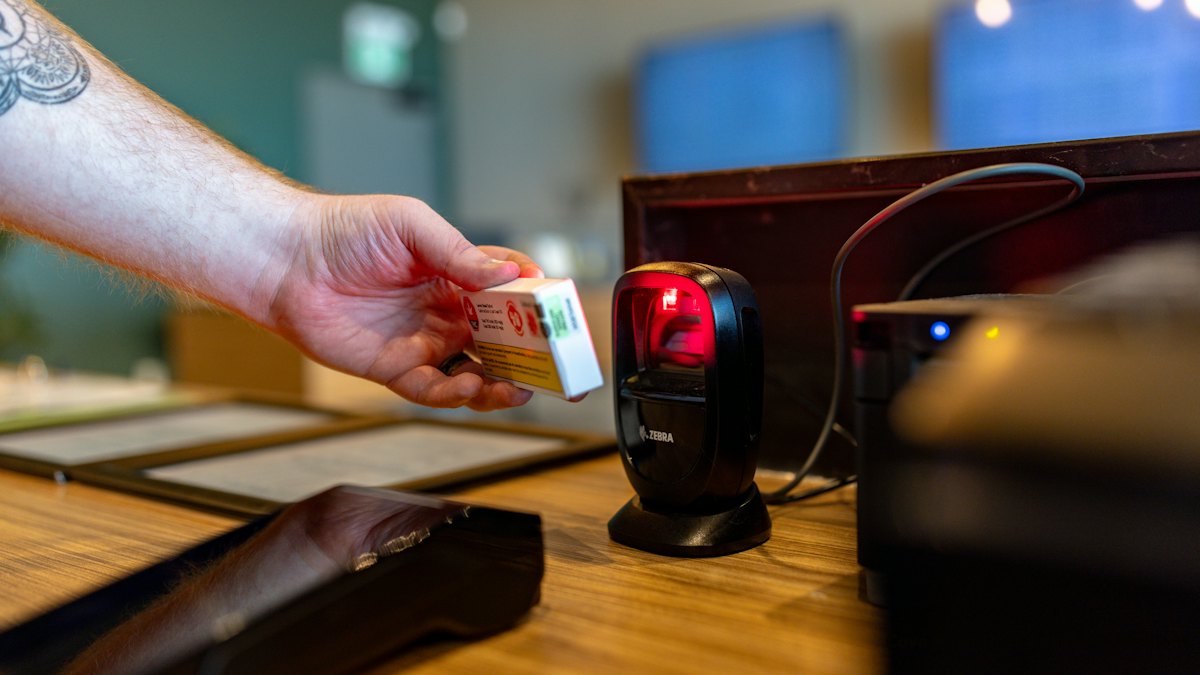
If you sell over a counter, test the point-of-sale screen under pressure. Can you scan a barcode and have the item land on the bill instantly? Can you search by name when there is no barcode? Can you take cash, UPI and card on the same bill? Does it print cleanly on the 58 mm or 80 mm thermal printer you already own? A POS that slows the queue costs you customers, no matter how good its reports are.
4. Stock that updates itself
Stock should go down with every sale and up with every purchase, without anyone typing it in twice. Look for low-stock alerts, units (kg, litre, box, piece), and the option to print barcode labels. If you run more than one branch or godown, check that stock is tracked per location.
5. Payments, dues and party balances
Most small businesses lose more money to unpaid bills than to anything else. Your billing software should show what every customer owes at a glance, let you record part payments against specific invoices, and produce a clean statement you can send on WhatsApp. Credit limits that warn you before a party owes too much are worth a lot.
6. Books that balance without an accountant on call
Billing software that also keeps your books saves the most time. When each sale, purchase, payment and expense posts its own accounting entry, the cash book, ledgers, profit and loss and balance sheet are always up to date. Your accountant gets clean numbers instead of a bag of receipts.
7. Your data, in your hands
Ask three questions: Can I export all my data? Can I download a full backup any time? What happens to my data if I stop paying? Cloud billing software that runs in the browser is easy to use from any PC or phone, but only if you can still get your data out whenever you need to.
8. Price for today, room for tomorrow
A free plan is ideal while you are starting out. As you grow, the cost should rise with the number of people using it, not jump because of features you don't need. Avoid long lock-in contracts and setup fees.
A quick scorecard
| Question | What a good answer looks like |
|---|---|
| How fast is my most common bill? | Under 30 seconds, mostly from the keyboard |
| Is GST worked out automatically? | CGST/SGST or IGST from the party's state, HSN on every line |
| Does it print on my printer? | 58 mm, 80 mm and A4 layouts |
| Can I see who owes me money? | Party balances and statements in one click |
| Can I get my data out? | Excel export and full backup at any time |
Kashvo was built around exactly this checklist: fast GST billing, a keyboard-first POS, stock and dues that update themselves, and books that balance. You can start free and see if it fits your counter.