Thermal printer for billing: 58 mm vs 80 mm and how to set it up
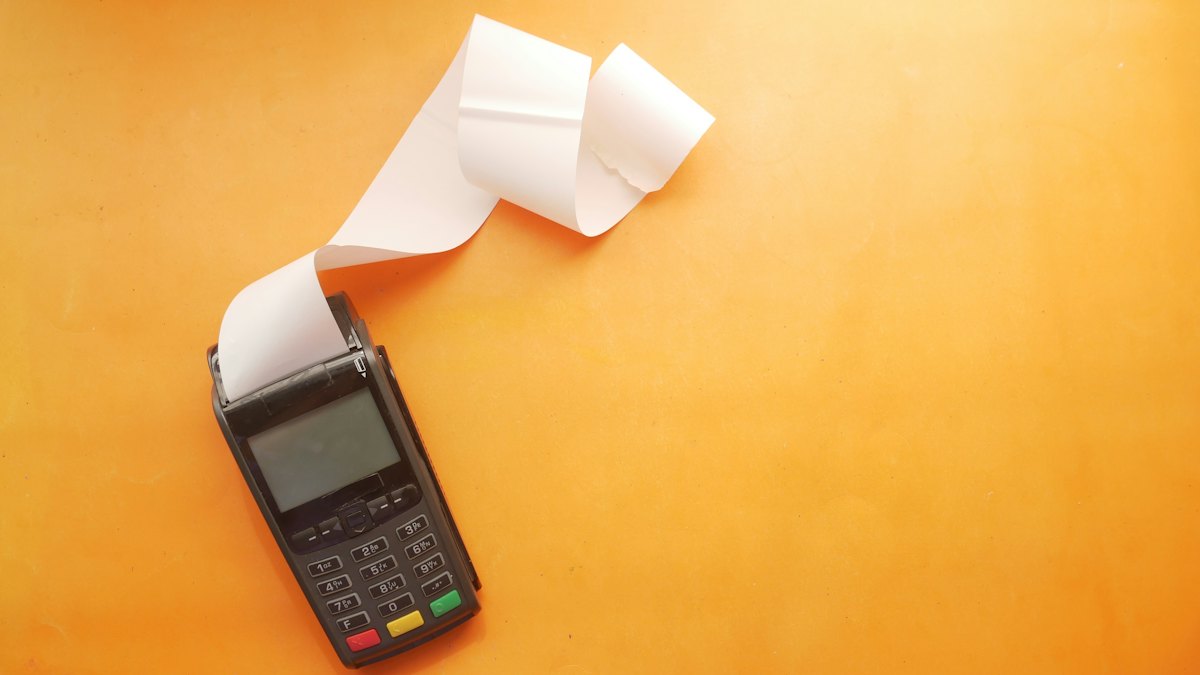
A thermal printer is the workhorse of the billing counter. It needs no ink, prints in a second, and runs on cheap paper rolls. Picking the right one and setting it up correctly saves a lot of frustration later.
58 mm or 80 mm?
| 58 mm (2 inch) | 80 mm (3 inch) | |
|---|---|---|
| Printable width | About 48 mm | About 72 mm |
| Best for | Small shops, short bills, mobile billing | Supermarkets, restaurants, longer bills with GST details |
| Readability | Item names often wrap | Item, quantity, rate and amount fit on one line |
| Printer cost | Lower | Higher |
| Paper cost per bill | Lower | Higher |
If you show a full GST split and HSN codes on receipts, 80 mm is far more readable. For a tea stall or a small kirana with short bills, 58 mm is fine.
USB, Bluetooth or network?
- USB: simplest and most reliable for a fixed counter PC.
- Bluetooth: good for billing from a phone or tablet, or a counter without a PC.
- Network (LAN or Wi-Fi): one printer shared by several counters, or a kitchen printer in a restaurant.
Setting up on Windows
- Install the driver from the manufacturer. Most generic models use common POS drivers.
- Print a test page from the printer's properties to confirm it works.
- In the printer's preferences, set the paper size to the roll width (58 or 80 mm) and the length to "receipt" or continuous.
- Set margins to zero or minimum.
- In your browser's print dialog, choose the printer, set margins to "None", and turn off headers and footers so the URL and date don't print.
Setting up on Android
Pair the Bluetooth printer in your phone's settings, then install the manufacturer's print service or a generic ESC/POS print service. Your browser's print option can then send receipts to it.
Fixing common problems
- Tiny text in one corner: the browser thinks the paper is A4. Set the paper size to the roll width.
- Blank receipts: the roll is upside down. Thermal paper prints on one side only. Scratch it with a fingernail; the side that darkens faces the print head.
- Faded print: increase print density in the driver settings, or replace old paper. Thermal paper fades with heat and age.
- URL and date printed at the top: turn off headers and footers in the print dialog.
- Long blank space after the bill: set the paper length to continuous or receipt, not a fixed page height.
Paper tips
Buy rolls that match your printer's width and maximum roll diameter. Store them away from heat and sunlight. Keep a few spare rolls at every counter, because running out at rush hour is never fun.
Printing from Kashvo
Kashvo lays out receipts specifically for 58 mm and 80 mm paper, with A4 for formal invoices, and prints through your browser. Any thermal printer that Windows or Android can print to will work. Pick the width once in settings and every bill fits.