POS software for retail shops: what actually speeds up the queue
On a busy evening, the billing counter decides how much a shop sells. If each customer takes two minutes, the queue grows, people leave, and the cashier rushes and makes mistakes. A good point-of-sale (POS) system gets that down to seconds, but only if it has the right features. Here is what to look for.
1. Barcode first, search second
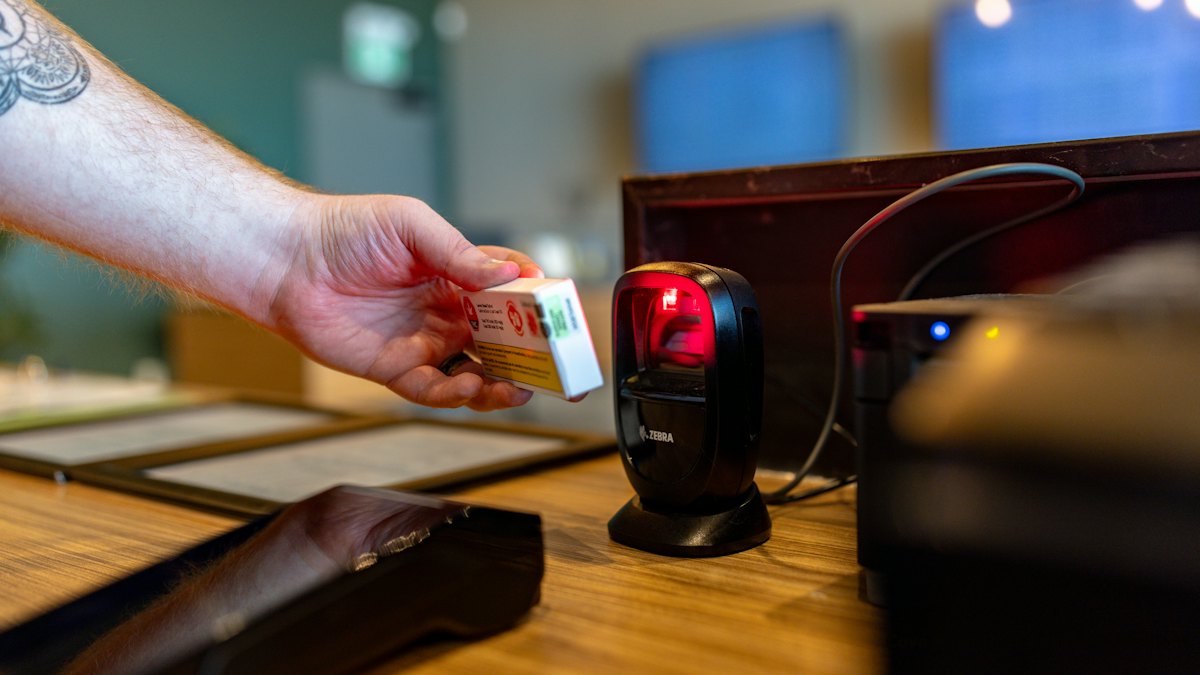
Scanning should add the item and its price instantly, and scanning the same item again should add to the quantity rather than add a new line. For loose items without barcodes, such as vegetables, sweets and hardware, search should find the item from the first few letters of its name or a short code.
2. Keyboard shortcuts for everything
Reaching for the mouse is slow. The best counters run on the keyboard: one key to search, one to change quantity, one for discount, one to take payment. In Kashvo, F1 to F8 jump between these, so a regular cashier hardly touches the mouse.
3. Weighing and loose quantities
Quantities like 0.750 kg or 2.5 m should be normal, not a workaround. Make sure the POS accepts decimals and calculates the price per unit correctly.
4. Walk-in sales without a customer name
Most retail customers don't want to give a name. The POS should default to a walk-in or cash customer and only ask for details when you want them, for example for home delivery or credit.
5. Split payments: cash, UPI and card
A customer paying ₹1,000 in cash and the rest on UPI is common. The POS should accept more than one payment method on a bill and show the change to return for cash.
6. UPI that waits for the money
A printed QR code on the counter is easy, but the cashier still has to check a phone to confirm the money arrived. A better flow shows a QR with the exact amount on screen, and saves the bill only once the cashier confirms receipt. That avoids "paid" bills where the money never came. Read more in UPI payment reconciliation.
7. Thermal receipts that look professional
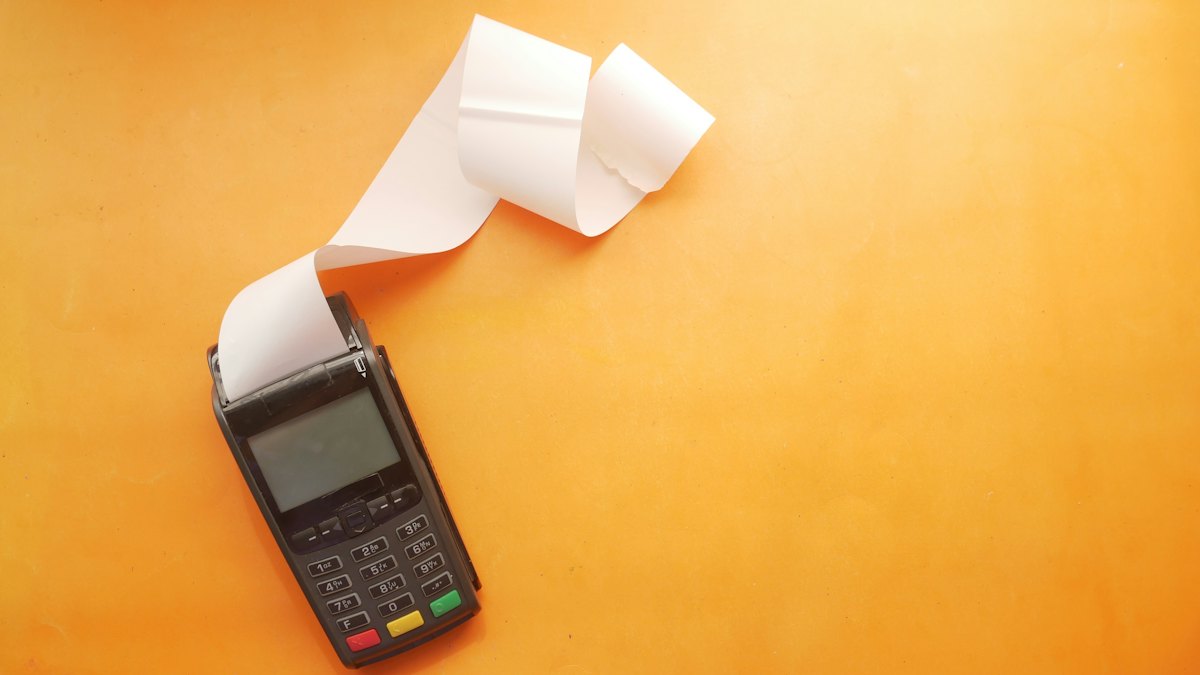
Most Indian counters use 58 mm or 80 mm thermal printers. The receipt should fit the paper width, show your GSTIN and the tax split clearly, and print the moment the bill is saved. See our thermal printer setup guide.
8. Hold bills and returns
When a customer runs to fetch one more item, the cashier should be able to park that bill and serve the next person. Returns and exchanges should be quick too, and should create a proper credit note so stock and GST stay right.
9. The day's closing in one screen
At closing time, the owner wants three numbers: total sales, the split between cash, UPI and card, and the cash that should be in the drawer. A POS that shows this in one screen saves the nightly argument with the calculator.
What doesn't matter as much as it seems
Fancy dashboards, dozens of themes and AI features rarely make the queue faster. Speed, accuracy and clear receipts do.
Try it on a real queue
Before you commit to any POS, bill twenty real items from your shelf on it. Kashvo's POS has a 7-day free trial, runs in any browser, and works with the barcode scanner and thermal printer you already have. Start a free trial and time your first bill.